Monitoring and notifications
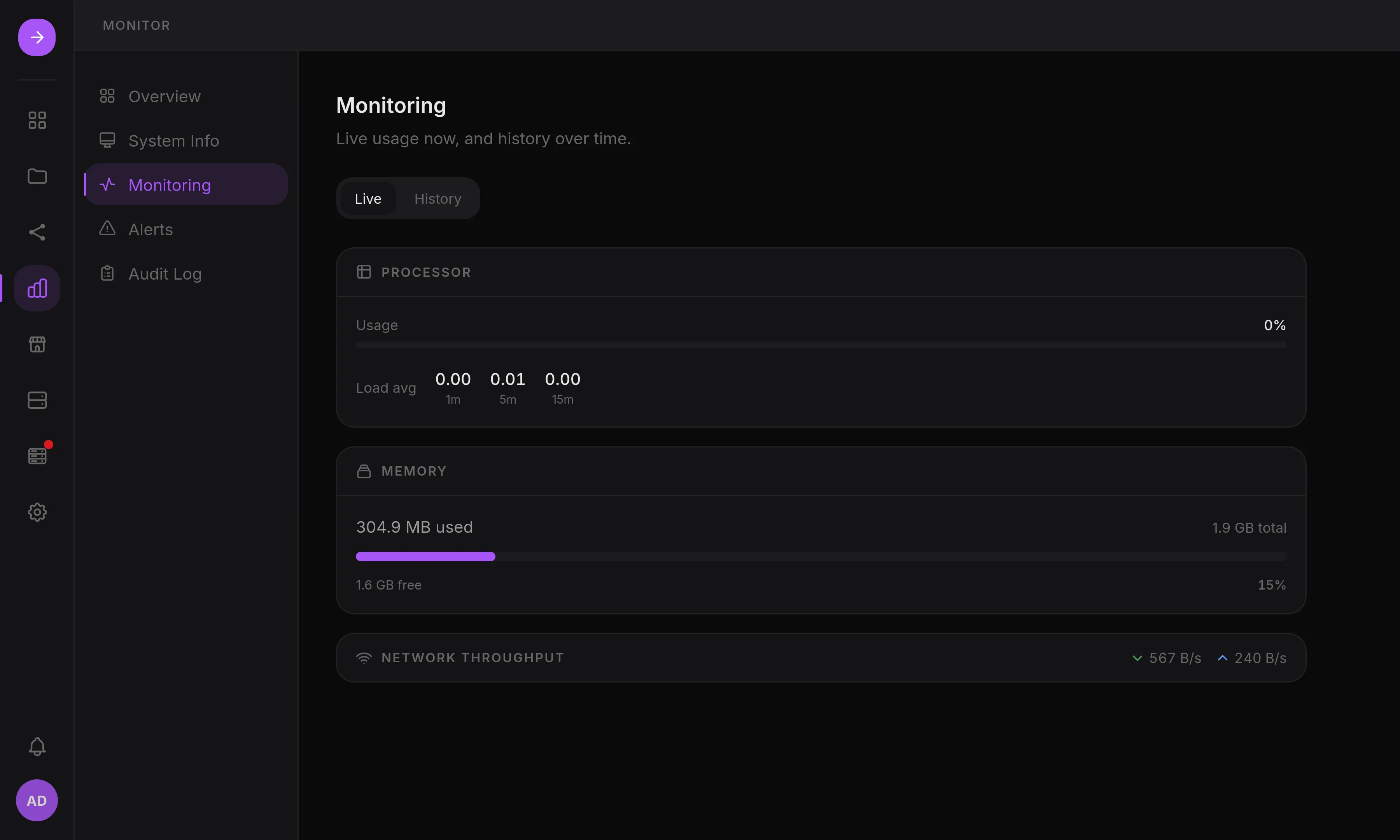
- Metrics: CPU, RAM, network and storage, live and over 1 hour to 7 days.
- Alerts: background checks raise alerts for a degraded array, a failing disk, a missing volume, a RAID consistency mismatch, a failed backup or update. Monitor > Alerts lists them; an alert whose condition is still true comes back at the next check.
- Audit trail: a filterable log of privileged actions, including every
executed plan with the result of each step. Entries are kept for a year by
default: set
retention_daysunder[audit]in/etc/hsi/hsi.tomlto change it, or to0to keep every entry. The change applies within a day.
Notifications
Section titled “Notifications”Settings > Notifications routes alerts to connectors through rules. Each rule filters by source and minimum severity. A default rule sends all alerts to the bell menu.
- In-app: the bell menu, with an unread badge.
- Webhooks: editable JSON payload templates with presets for Discord, Slack, ntfy and SmallTV desk screens, a live preview and a test send.
- Email: SMTP with STARTTLS, TLS or none, presets for Gmail and Fastmail.
Webhook and email messages go through a queue stored in the database: they survive a restart, are retried, and are rate-limited per connector. Connector secrets are encrypted. Details are in Notifications.
HSI can only notify while it is running: use an external monitor to detect that the server itself is down.